Trial
Free
10 trial try-ons
- One-time try-ons
- Branded widget
- Email support
Virtual fitting room for fashion stores
ModaFit adds a “Try on” button to your product page. The shopper uploads a photo and within seconds sees how an item from your catalog looks on them.
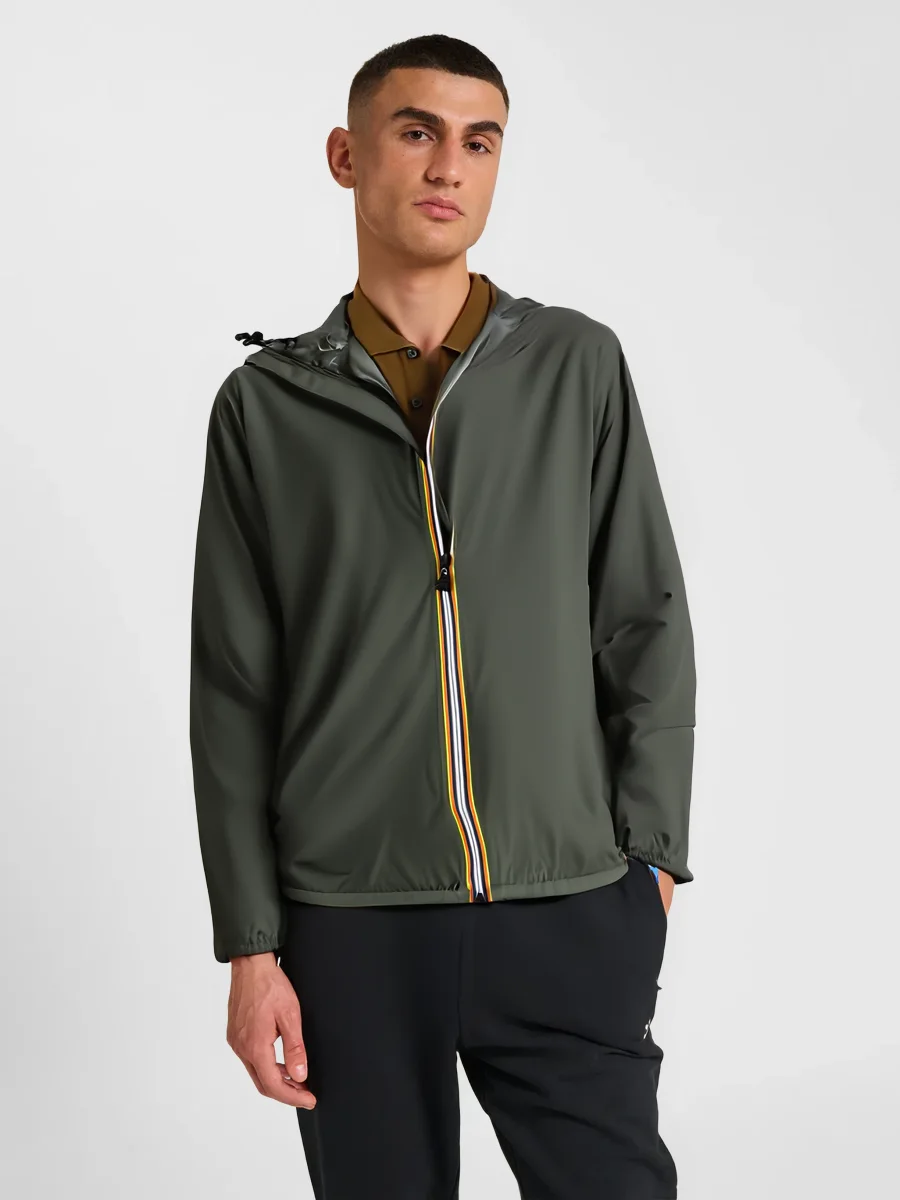 Your photoResult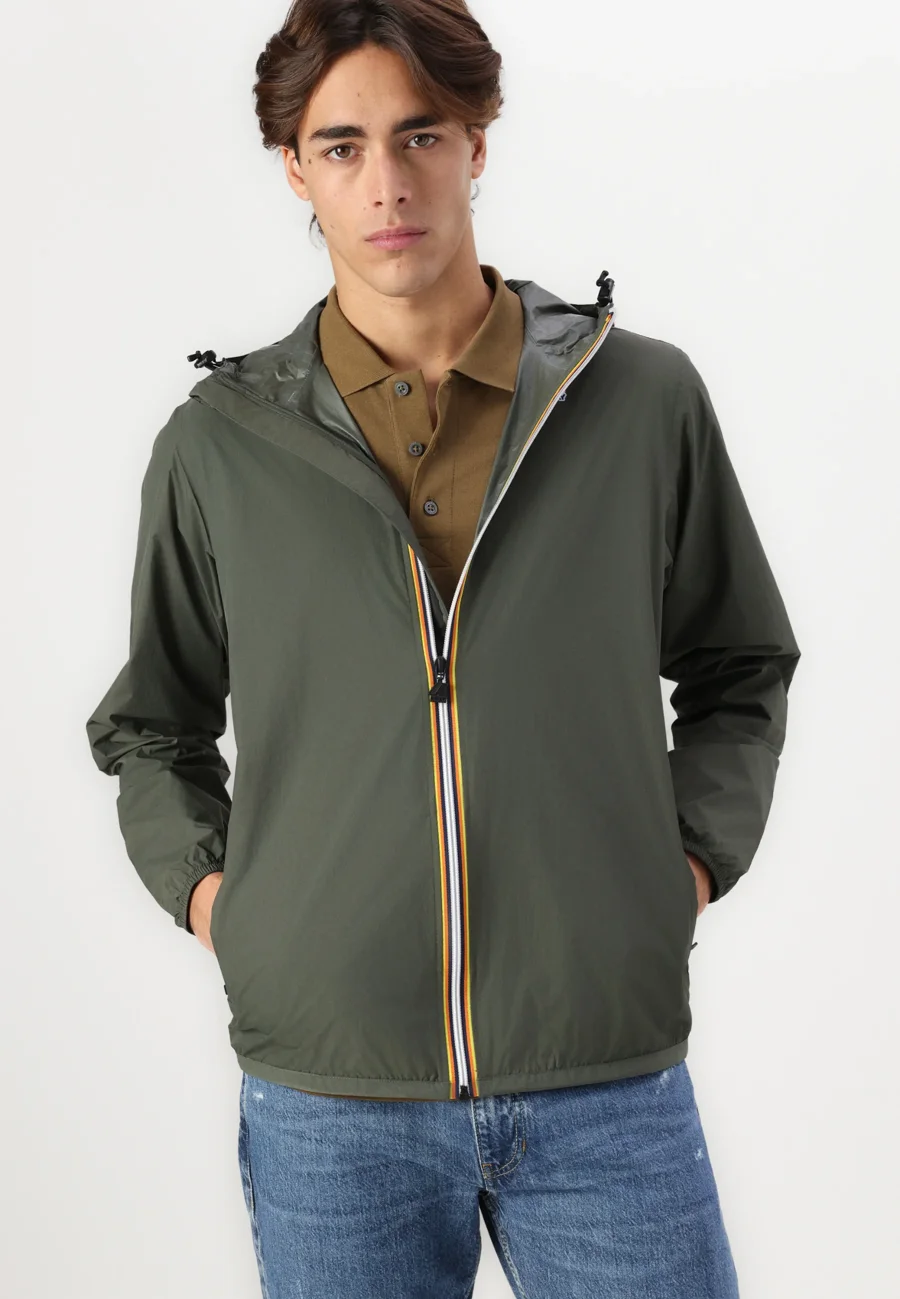
Hooded windbreaker
€65Real results
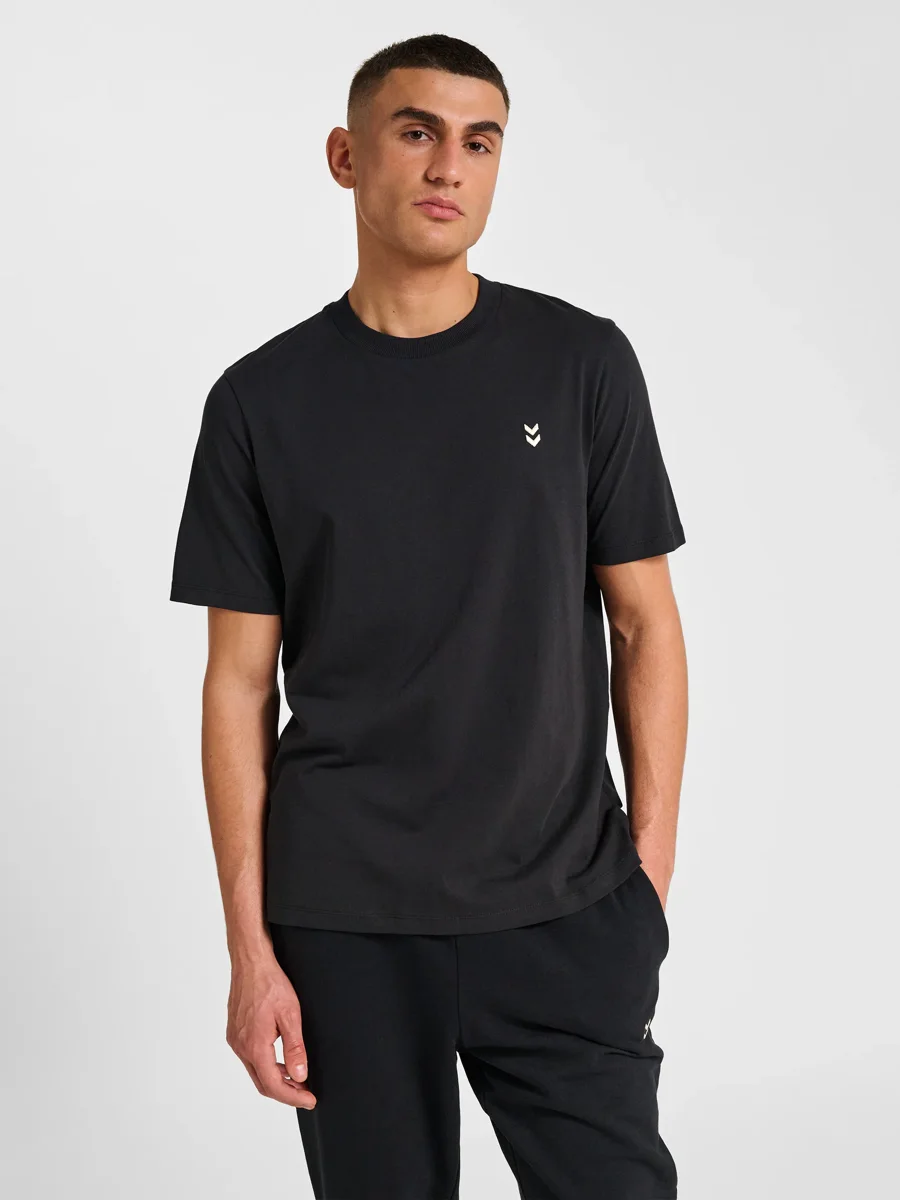
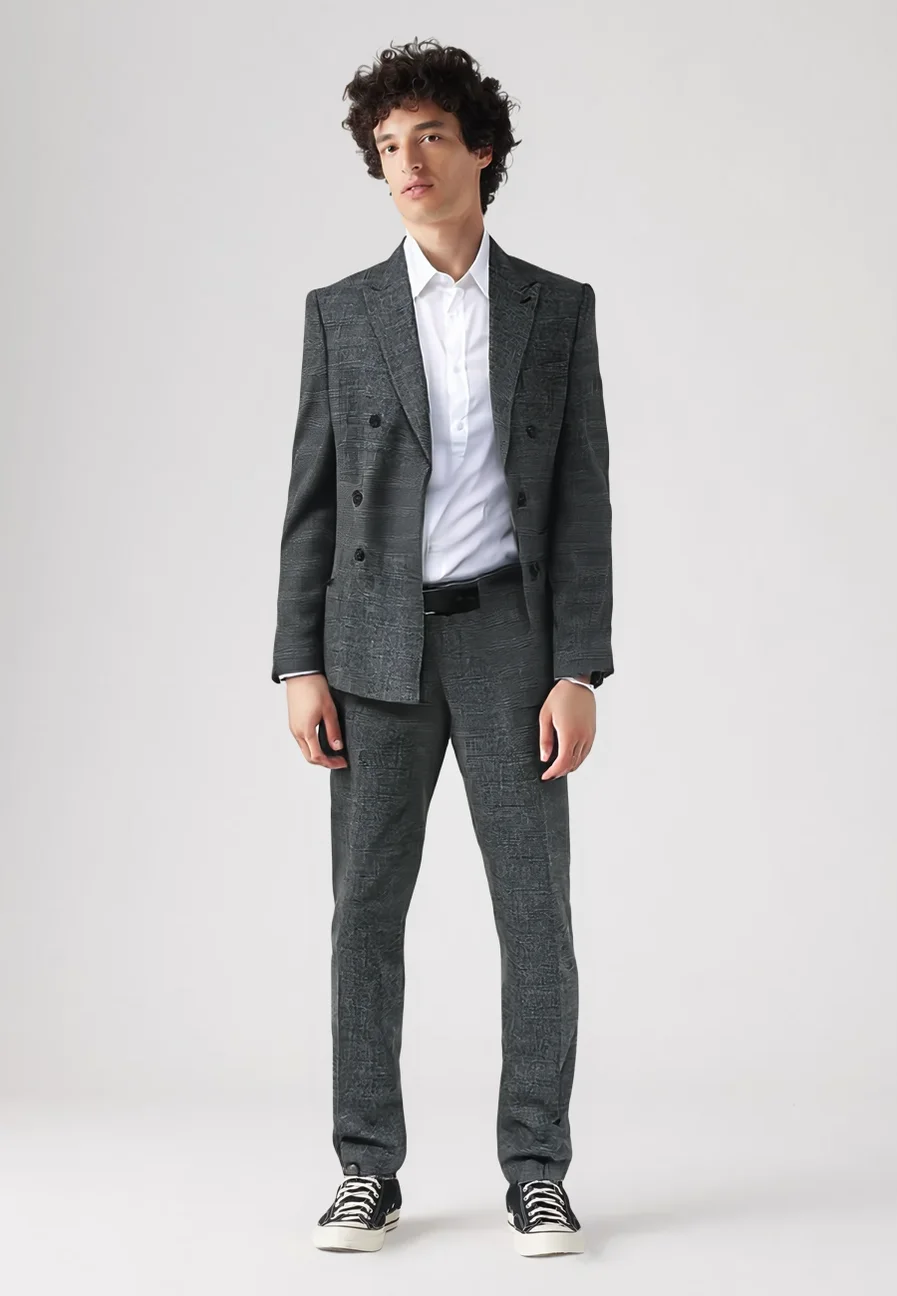
Every image below was generated by ModaFit with no retouching. Pick an item to see what the shopper sees.
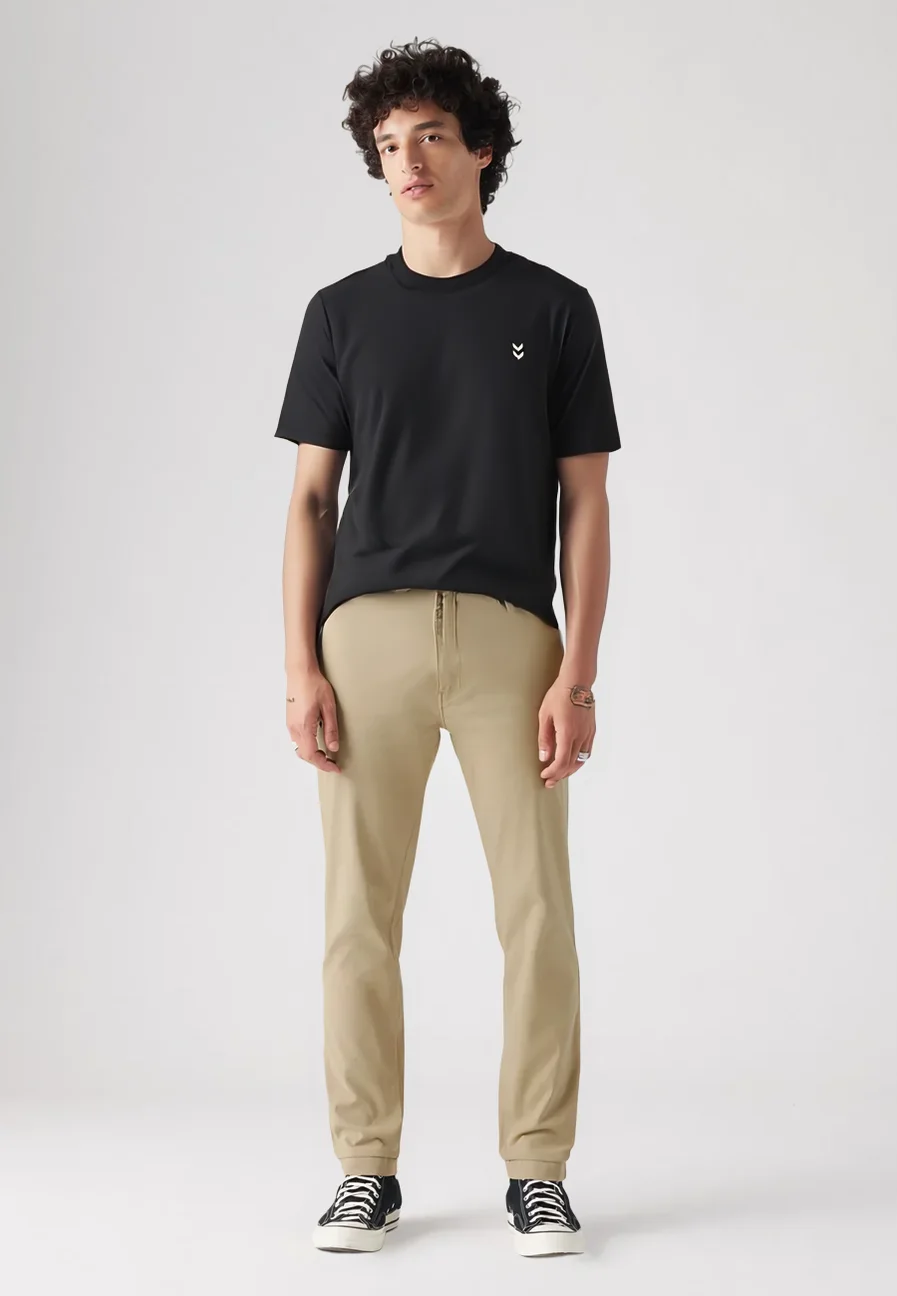
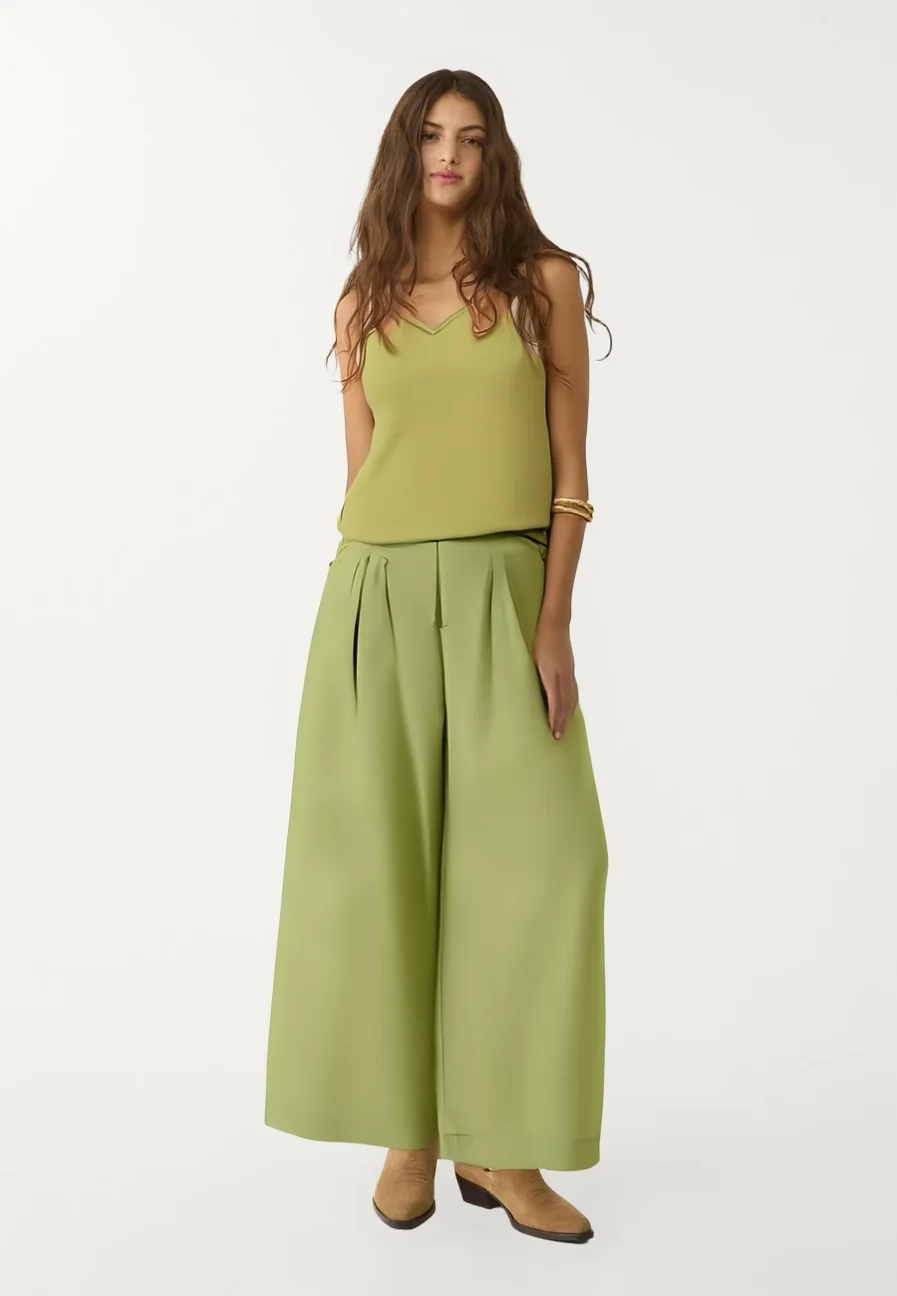
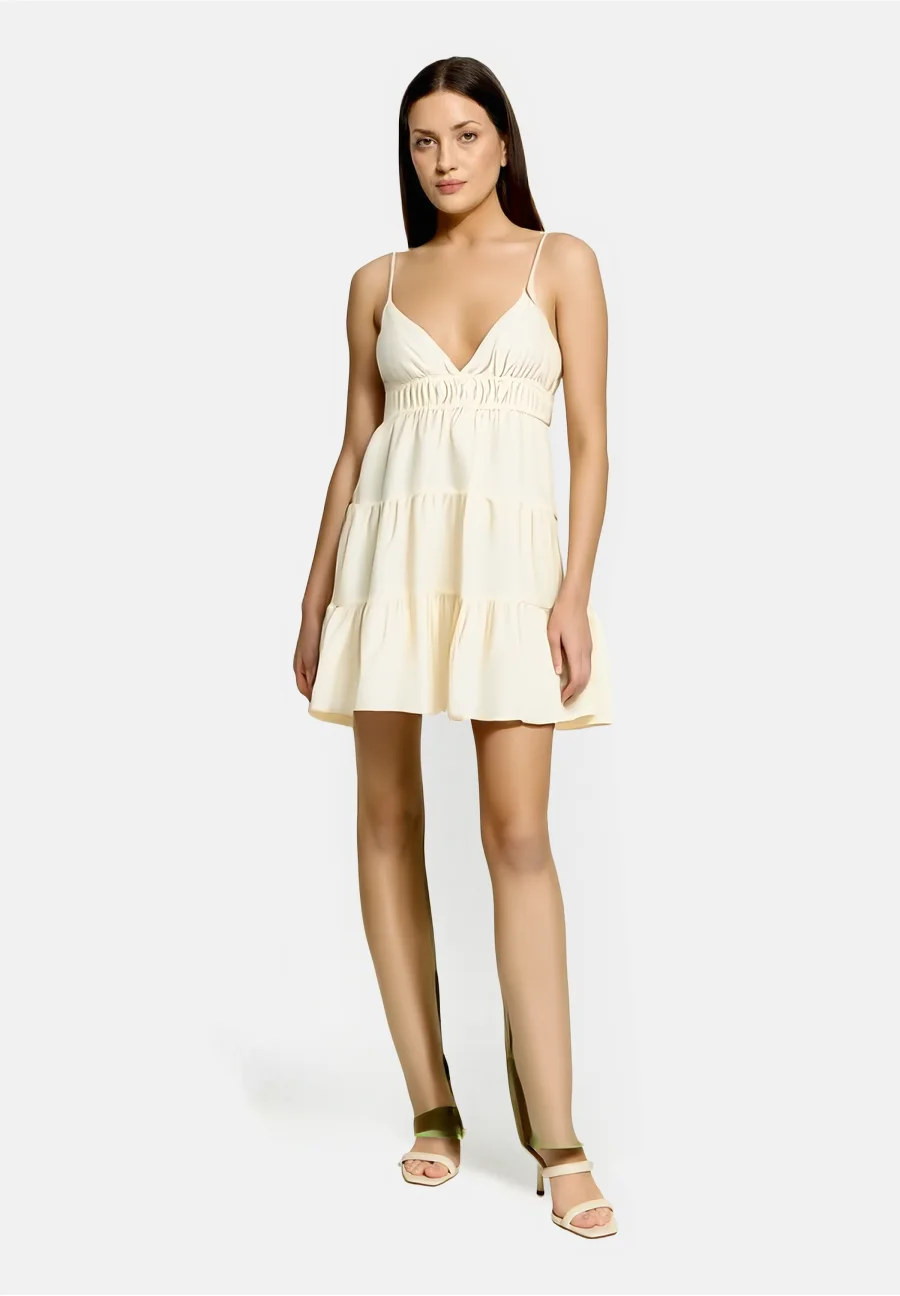
For the shopper
The button sits on the product page next to “Add to cart”. No need to leave the page.
Any full-length phone photo works. It is deleted from the server after 24 hours.
They can switch to another item and compare looks without uploading again.
For the store
Add the script to your site and the button appears on product pages. Works on any platform where you can add code to a page.
<script
  src="https://modafit.cloud/widget.js"
  data-key="pk_your_store_key"
  data-mode="auto"
  data-locale="en"
async></script>Store dashboard
Once connected, you get access to your store dashboard: limit, try-on history and widget settings.
Pricing
A flat monthly price, no commission on orders. Change plans any time.
Free
10 trial try-ons
€29/ mo
150 try-ons per month
€69/ mo
350 try-ons per month
€139/ mo
1,000 try-ons per month
€249/ mo
1,900 try-ons per month
Get started
Leave your contacts — we will run a few try-ons on items from your catalog and give you trial access to the dashboard.
We reply within one business day
Questions
Tops (t-shirts, shirts, jackets, blazers), bottoms (trousers, skirts, shorts) and full looks (dresses, jumpsuits, suits). Shoes, bags and accessories are not supported yet.
A full-length photo in decent light, ideally in simple fitted clothes. A regular phone photo works.
The photo is used only to generate the try-on and is automatically deleted from the server after 24 hours. We never use it for advertising.
About 15 minutes if you have access to your site code. We help with setup for free.
The try-on button stops working until the limit renews at the start of next month or you change plans. The remaining balance is always visible in the dashboard.
Yes. The demo page allows a few try-ons, and we open trial access for stores.
Upload your photo on the demo page and try on items from the test catalog.